Pixie Pop 3D Can Model
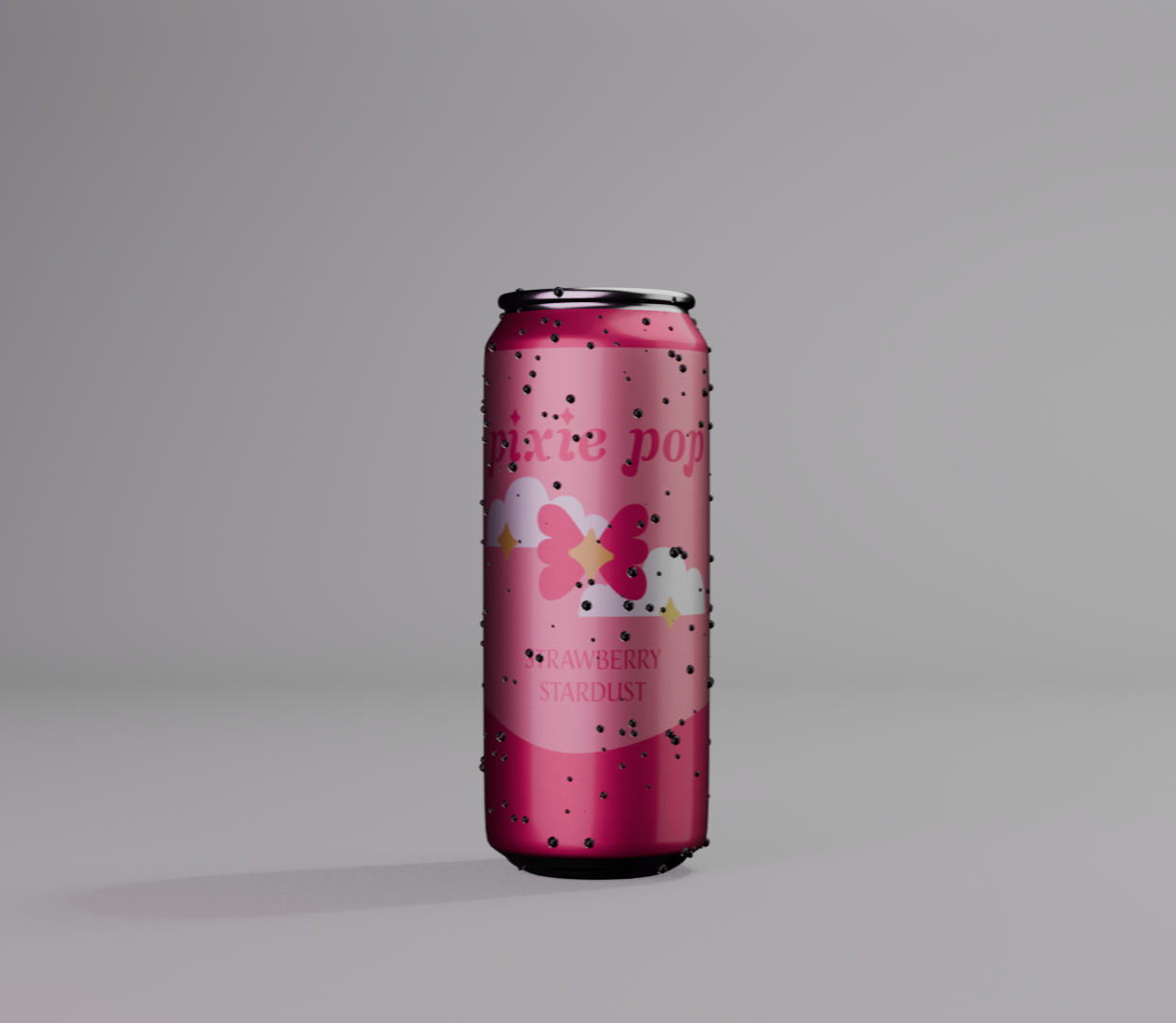
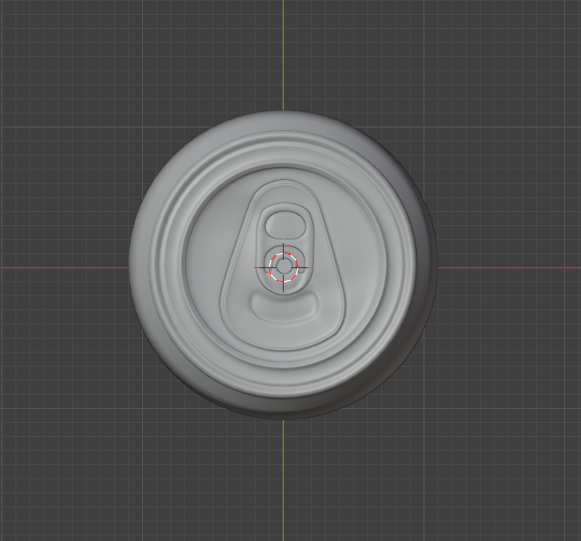
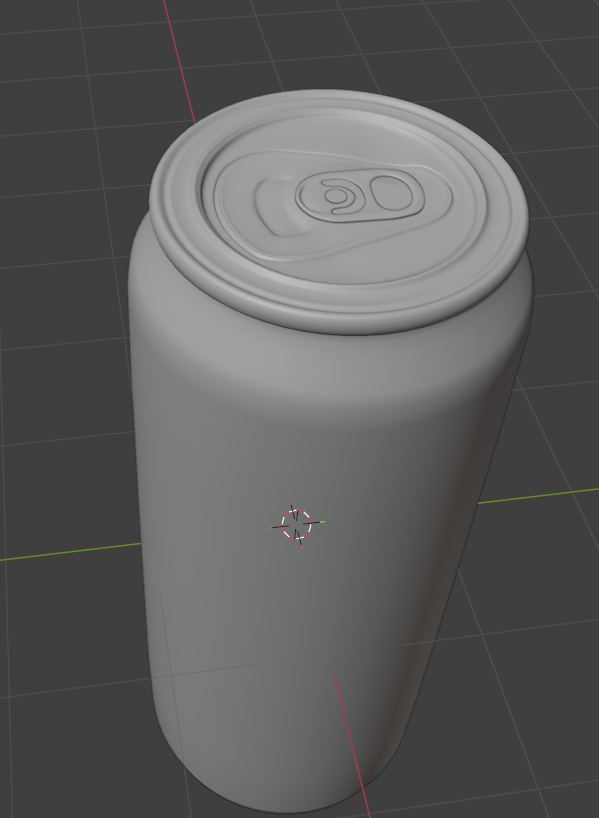
I created a 3D model of a soda can in Blender to practice basic product modeling skills. Starting from a simple cylinder, I shaped and refined the model to match the proportions and details of a real can, including the top and bottom indents.
I applied materials and a custom label texture to give it a realistic aluminum look. The final renders use simple lighting to highlight the shape and surface of the model.
Modeling the Can
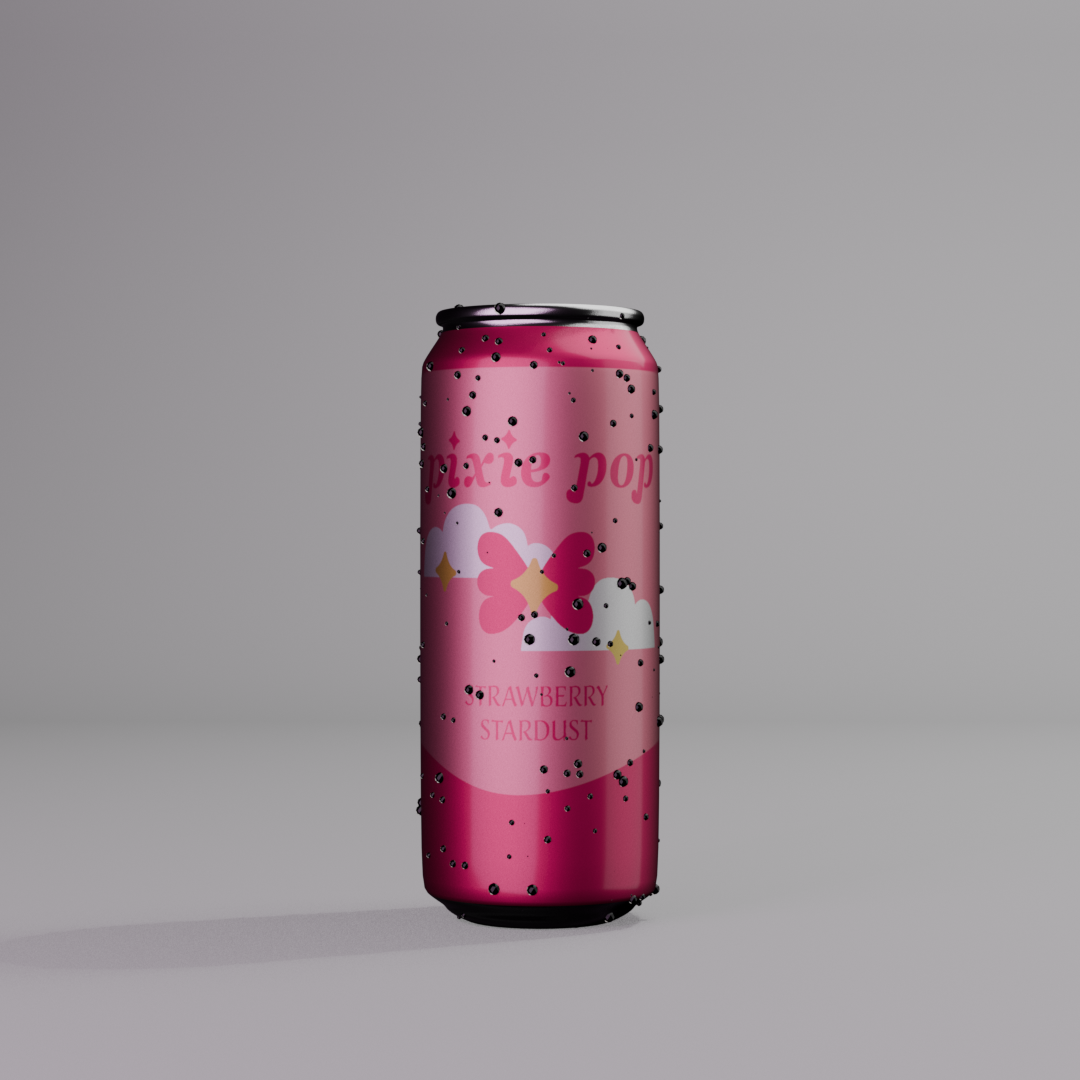
Starting from a cylinder, I shaped the main body and refined the silhouette with edge loops. I then created the concave top and bottom using inset and extrusion tools, including the pull tab area as needed. Supporting edge loops were added throughout to maintain clean topology and ensure smooth, accurate shading.
Materials & Texturing
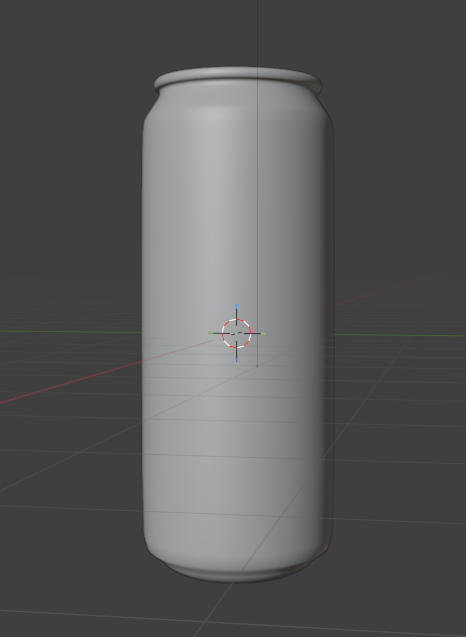
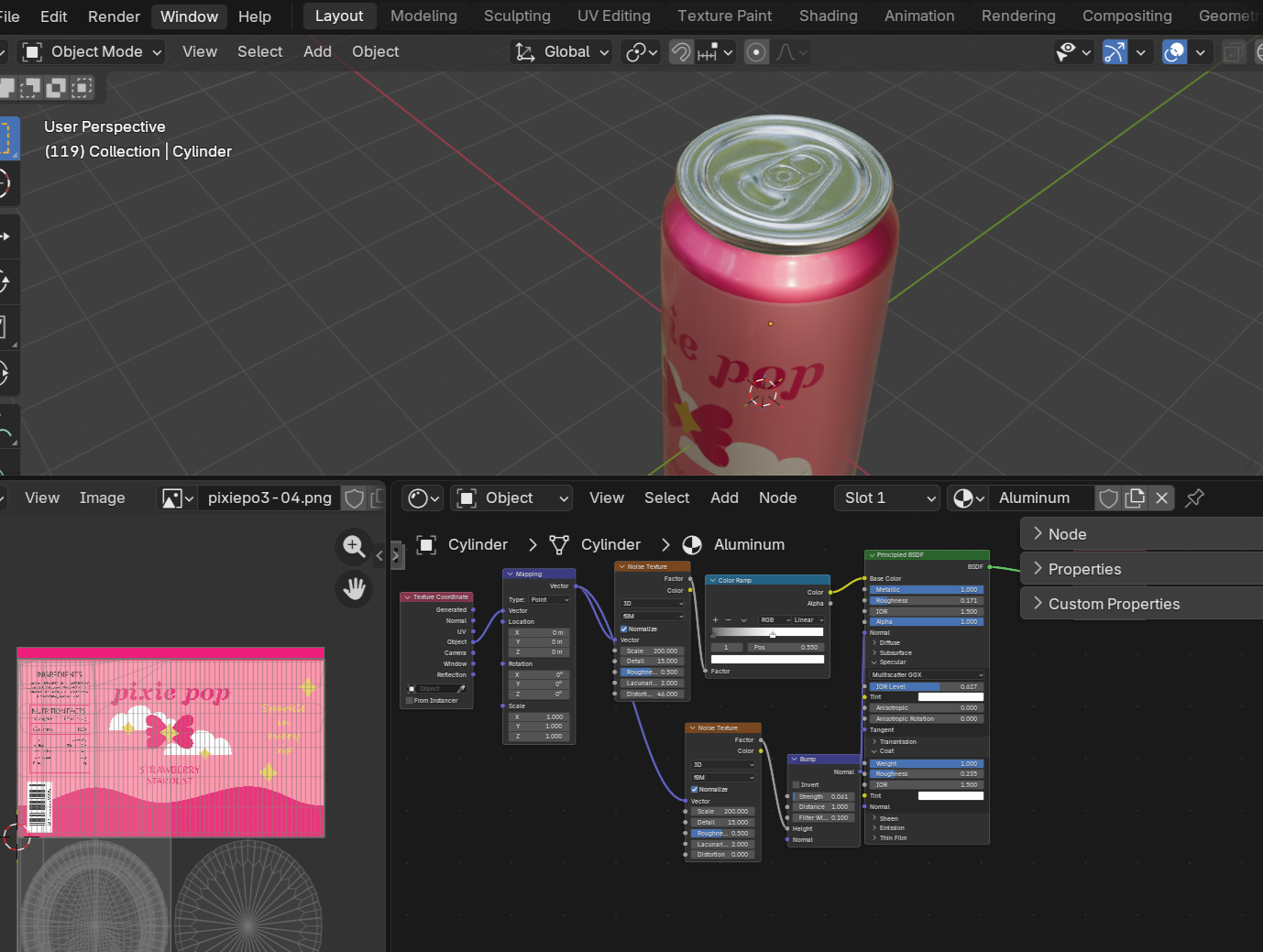
I created a metallic material to simulate aluminum, adjusting roughness and reflectivity for realism. I also added the custom label I designed in my other project, designing the Pixie Pop Brand and applied it using UV unwrapping to accurately wrap around the can.
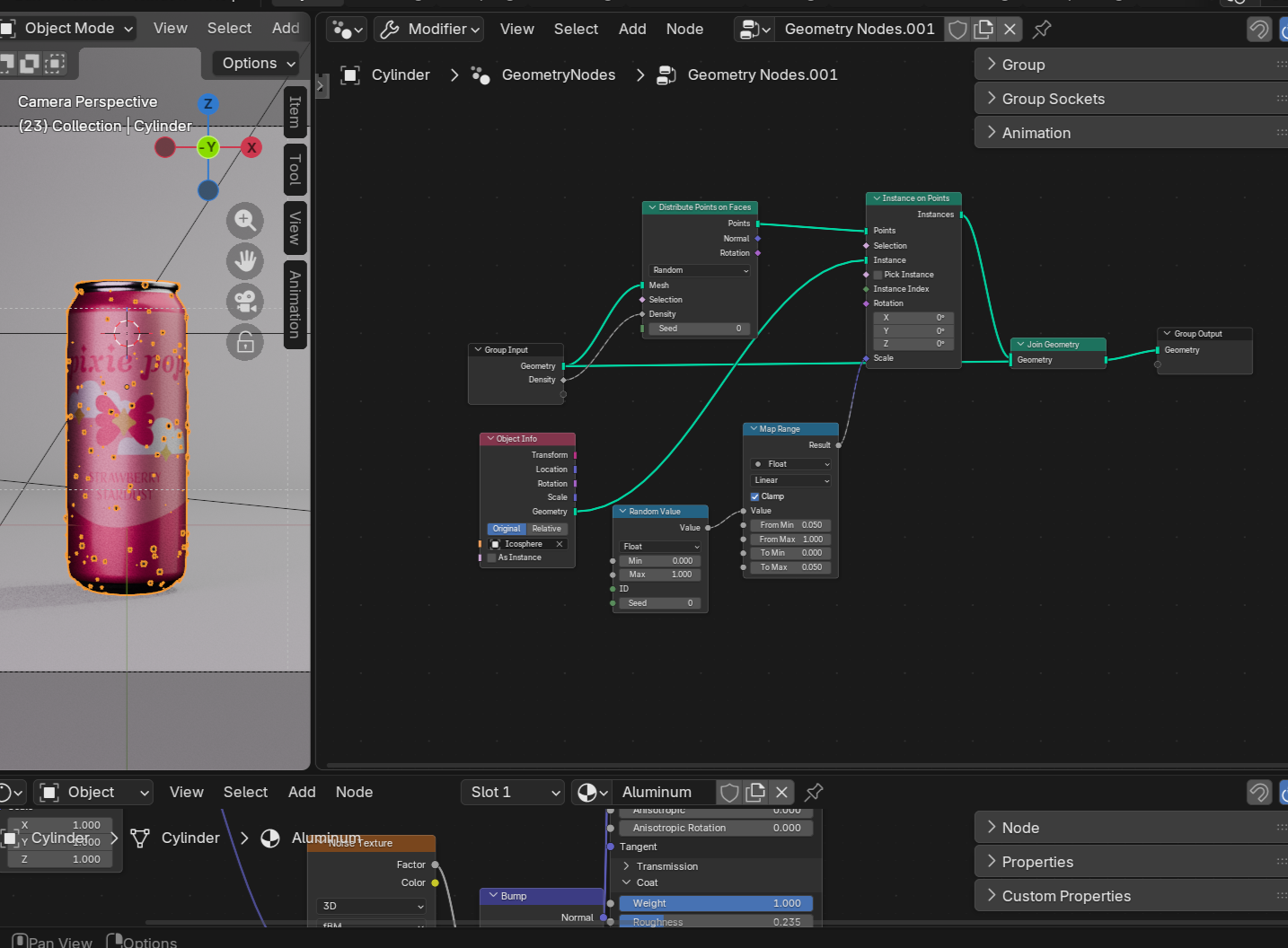
After adding the label to the can, I used the geometry nodes to add water droplets to the can.
Lighting & Rendering
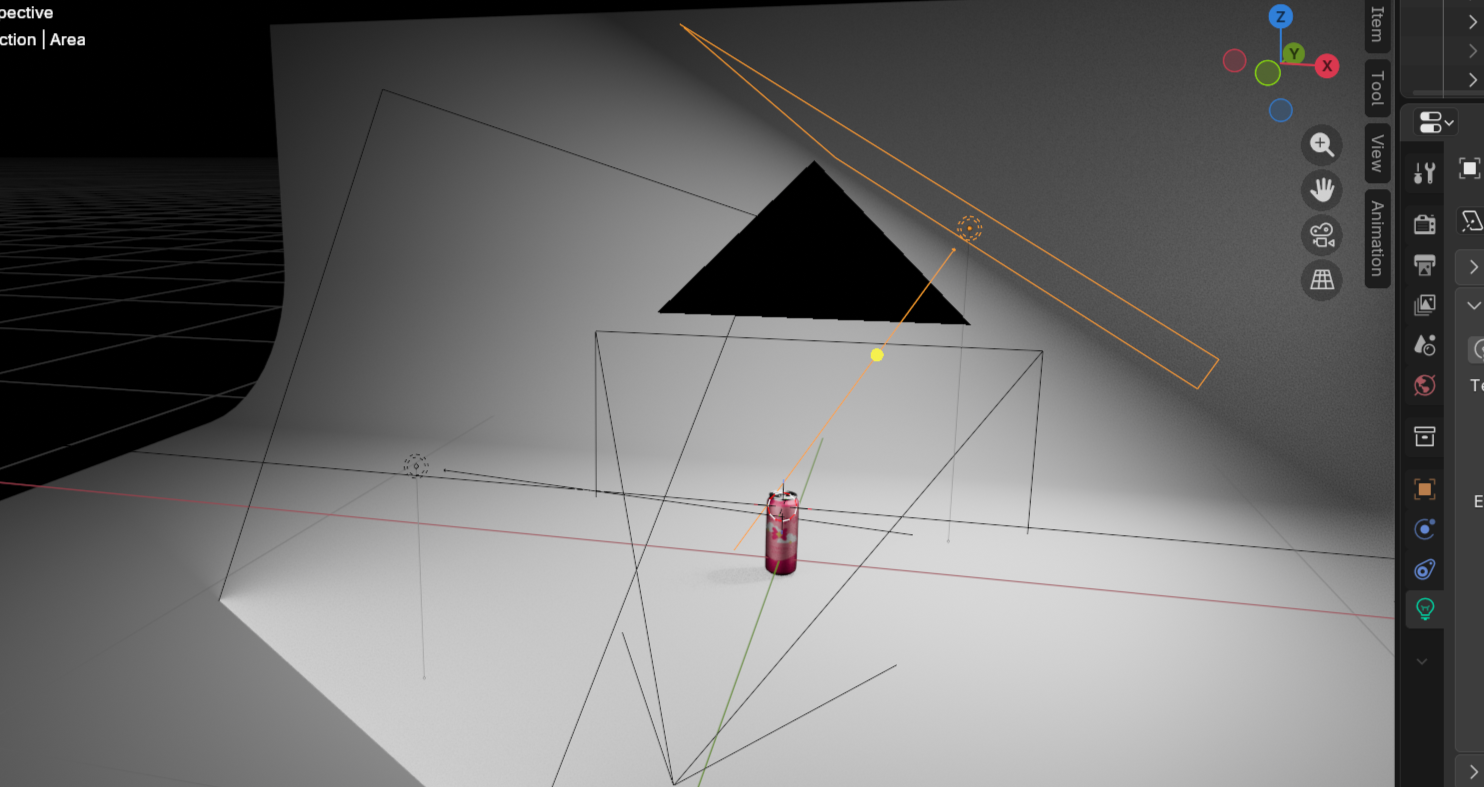
A basic three-point lighting system was used to highlight reflections and form. I also modeled the surrounding environment and adjusted the camera angel to my linking and then rendered out the final product